
Introduction to SAED Portal: Features & Navigation

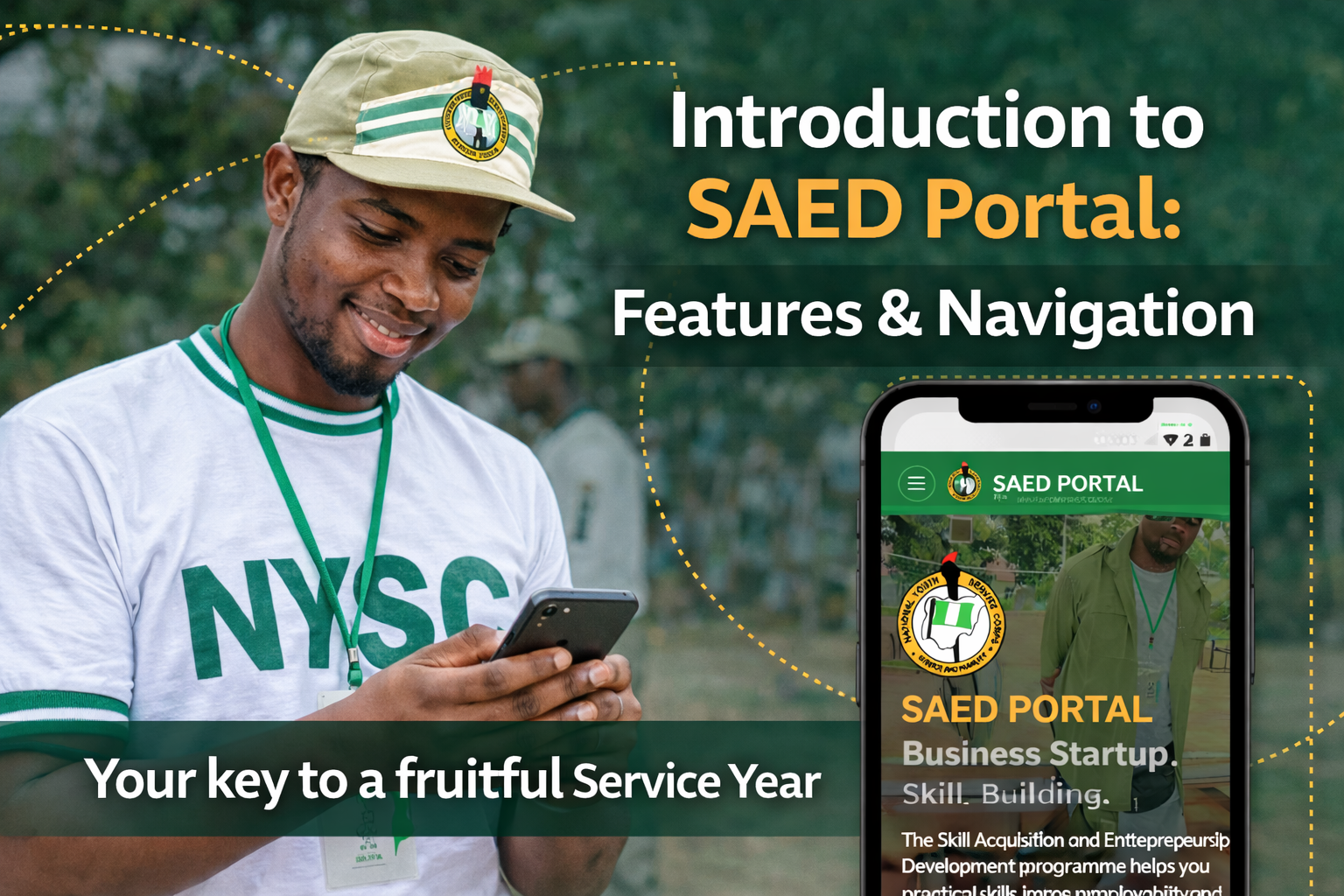
After completing your SAED registration, the next important step is learning how to navigate and fully utilize the SAED Portal.
This guide will walk you through the key features of the SAED Portal, how to access important resources, and how to stay informed throughout your NYSC service year.
How to Access the SAED Portal
To begin exploring:
- Open your browser
- Type: saedportal.com.ng
- Allow the page to load fully
💡 Tip: Follow instructions carefully when navigating the portal to avoid confusion.
Why the SAED Portal Matters
The SAED Portal is not just for registration—it is a central platform designed to support your entire service year journey.
With the portal, you can:
- Explore skill acquisition opportunities
- Access post-camp training programs
- Stay updated with important SAED information
- Connect with support and learning communities
To get the best out of SAED, you must learn how to use the portal effectively.
Stay Informed: Subscribe to the SAED YouTube Channel
Before diving into the portal, it is important to stay connected to SAED communication channels.
One of the key platforms is the Corpers Dialogue YouTube Channel.
How to Subscribe:
- Open your YouTube app
- Search for “Corpers Dialogue”
- Click on the channel
- Tap Subscribe and turn on the notification bell
This channel provides SAED updates, Tutorials and guides & Real-life experiences from corps members
SAED Program Structure
The SAED program is built around three core components:
1. In-Camp Training
This is the training you receive during orientation camp.
- Covers various skill areas
- Helps you discover new opportunities
- Provides a foundation for skill development
2. Post-Camp Training
This begins after you leave camp.
- Offers deeper, practical training
- Helps you build real-world competence
- Prepares you for entrepreneurship or employment
3. JAC (Job Advisory and Counseling) Workshop
This is usually the final SAED activity before passing out.
- Focuses on career guidance
- Prepares you for the job market
- Helps you transition after NYSC
Key Features of the SAED Portal
Once you open the portal, here’s what you’ll find:
1. Training Sections (Three Columns)
On the homepage, you will see three columns:
- In-Camp Training: Displays available skills
- Post-Camp Training: Shows training options after camp
- JAC Workshop: Provides information on final-stage training
These sections help you understand your learning journey within SAED.
2. Testimonials Section
This section contains videos of corps members who:
- Took SAED training seriously
- Built valuable skills
- Are sharing their success stories
These stories can motivate and guide your own journey.
3. Other Programs & Opportunities
You will also find additional programs such as:
- Career Clinic (Monthly)
- Business Clinic (Virtual Sessions)
- KudiMata Financial Literacy Program
- KinPeen Initiative
- Business Incubation Program
These programs are designed to Improve your financial knowledge, Support your business ideas & Help you build sustainable income streams
4. Partners Section
Here, you will see:
- SAED partner organizations
- Collaborators supporting your training
This highlights the credibility and support network behind the program.
5. Assistance Button
Need help?
The Assistance button allows you to:
- Request support
- Get guidance on your SAED journey
Always use this feature if you encounter any issues.
Portal Mobile Menu
Beyond the homepage, important features are hidden in the menus.
Bottom Navigation
You will see options like:
- Home
- Blog
- Post Camp
- JAC
Key Functions:
- Home: Returns you to the homepage
- Blog: Access SAED articles and updates
SAED Blog – Become an Author
The blog is more than just reading content—it is an opportunity.
On the blog page, you will find a “Become an Author” option.
Why Become an Author?
- Share your experiences
- Build your personal brand
- Contribute to the SAED community
Once you apply, your submission will be reviewed and approved.
Features of the Main Menu
The main menu (top section) contains two important categories:
1. Menu Section
Includes standard options plus:
Documentation (Very Important)
After camp:
- If you undergo training with an accredited center
- You must complete your online documentation
This is required for Processing your SAED Certificat and Validating your training participation
2. Categories Section
This connects you to available training programs at Jomo Resource Center.
Categories include:
- Professional & Corporate
- Business Development
- Digital Marketing
- Tech Careers
- Seminars & Workshops
Access to Training Opportunities
Jomo Resource Center offers:
- Close to 100 courses
- Accessible from any location
- Available as long as you have internet access
Clicking any category allows you to:
- View available courses
- Choose your preferred learning path
Final Thoughts
The SAED Portal is a powerful tool that can shape your career, skills, and financial future during your service year.
To maximize it:
- Stay informed
- Explore all features
- Take advantage of available programs
What to Do Next
- Explore the SAED Portal fully
- Subscribe to the YouTube channel
- Engage with the blog and community
- Prepare for your post-camp training
Your service year is an opportunity—make the most of it with SAED.